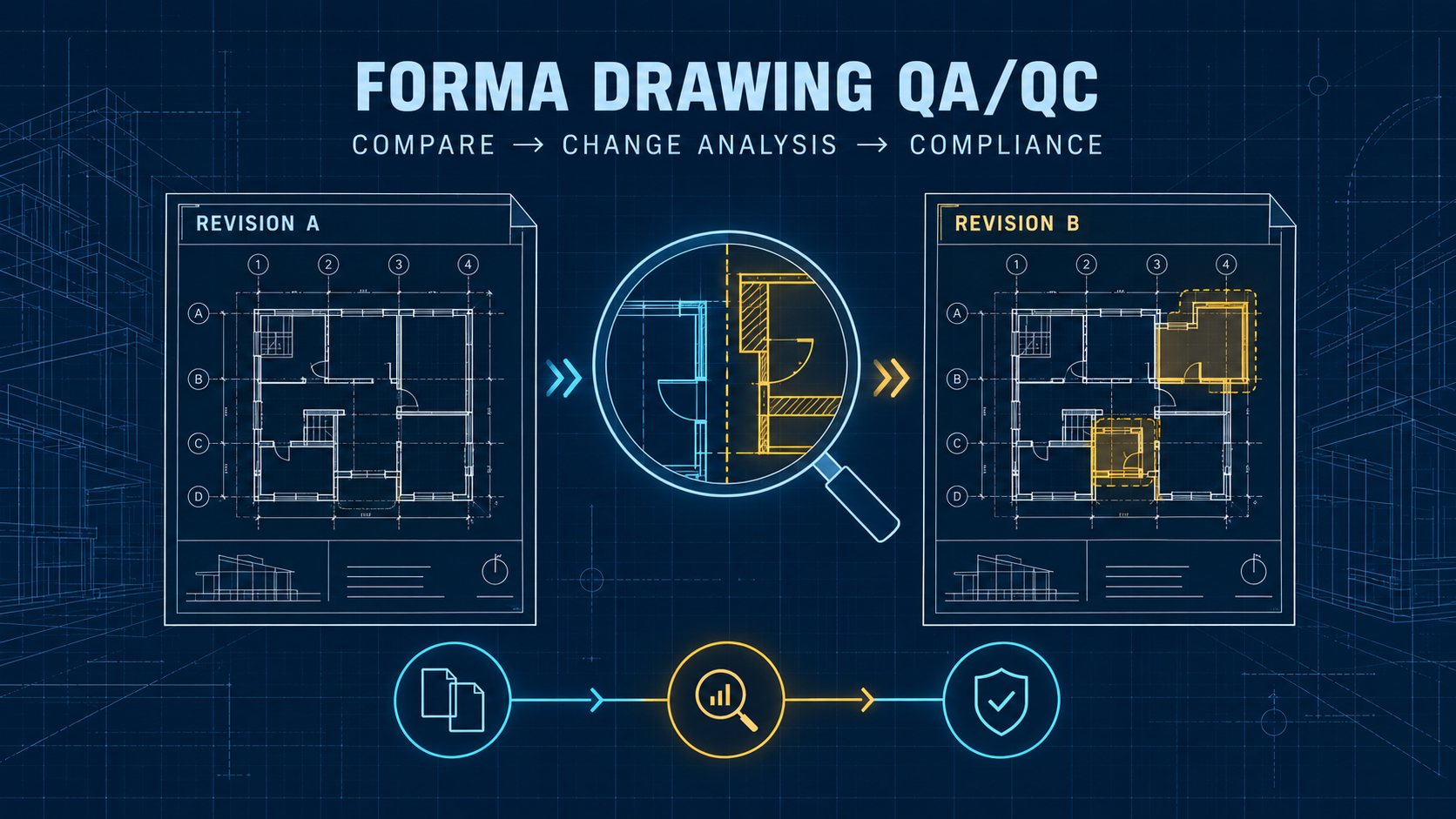
Drawing comparison is already a familiar workflow for teams that used Autodesk Docs, BIM 360, or Autodesk Construction Cloud.
Upload a new drawing revision, compare it with the previous version, identify differences, add markups, and create issues.
But Autodesk is now introducing another layer of drawing intelligence inside Forma Data Management.
At Autodesk University 2026, Autodesk announced Drawing Change Analysis, drawing search through Autodesk Assistant, and an upcoming Drawing Compliance Review workflow.
That raises an important question for BIM managers and project teams:
How are these new capabilities different from the Compare tool that Autodesk users already have?
The difference matters because these tools solve related—but not identical—problems.
Quick Answer
Forma Data Management, formerly Autodesk Docs, already provides tools for comparing versions of 2D sheets and 3D models.
The existing Compare workflow helps users visually inspect differences between two versions.
Drawing Change Analysis is intended to help teams identify meaningful differences between drawing revisions faster.
Drawing Compliance Review, planned for early 2027, goes a step further. Autodesk says it will evaluate drawing packages against building codes, design standards, owner requirements, and other project-specific criteria.
The key point is that these capabilities should be viewed as different layers of BIM QA/QC rather than one feature simply replacing another.
These tools support QA/QC; they do not remove the need for professional review.
First: Autodesk Docs Is Now Forma Data Management
Many BIM users will still search for terms such as:
- Autodesk Docs compare
- ACC drawing compare
- BIM 360 compare versions
Those searches are still relevant.
Autodesk Docs is now called Forma Data Management as part of Autodesk’s wider transition from Autodesk Construction Cloud to the Forma industry cloud.
Existing projects did not need to be moved simply because of the naming change.
Forma Data Management remains Autodesk’s cloud-based common data environment for organizing project files, versions, permissions, reviews, and collaboration workflows.
For a full explanation of the naming transition, see BuildTech Scope’s Autodesk Construction Cloud Is Now Forma: ACC, Docs, Build, and BIM 360 Explained (2026).
What Does the Existing Compare Tool Do?
The existing Compare workflow is primarily a version-comparison tool.
Autodesk currently teaches Forma Data Management users how to compare differences between versions of both 2D sheets and 3D models, then use markups and issues to document and resolve identified changes.
Within related collaboration workflows, Autodesk also allows users to compare model or document versions through change visualization.
In practical terms, Compare answers a question such as:
What changed between Version A and Version B?
The user still reviews those differences and decides which ones matter.
This is especially useful when checking revised drawings, updated coordination models, or design packages before they are issued to other teams.
What Is Drawing Change Analysis?
Drawing Change Analysis moves the workflow toward identifying meaningful drawing changes, rather than leaving the entire interpretation process to the reviewer.
Autodesk announced the feature at AU 2026 as part of new Forma Data Management capabilities.
According to Autodesk, Drawing Change Analysis is designed to help teams identify important differences between drawing revisions faster.
That distinction may sound small, but it is important.
A conventional comparison can show that something changed.
A more intelligent change-analysis workflow can potentially help teams focus attention on changes that are more relevant to project coordination or review.
For a large drawing package containing hundreds of revisions, the bottleneck is often not displaying differences.
It is determining:
Which differences actually require attention?
That is where Drawing Change Analysis could become valuable.
Compare vs Drawing Change Analysis vs Compliance Review
| Capability | Existing Compare | Drawing Change Analysis | Drawing Compliance Review |
|---|---|---|---|
| Compare two versions | Yes | Revision-focused | Not its primary purpose |
| Show drawing/model differences | Yes | Yes, with emphasis on meaningful changes | Uses drawings as review input |
| Identify potentially important changes | Mainly reviewer-driven | Intended to help prioritize changes | Focuses on rule/compliance issues |
| Check project requirements | No | Not the primary role | Yes |
| Check codes or standards | No | Not the primary role | Planned |
| Current status | Available | Announced in 2026 Forma expansion | Planned for early 2027 |
| Human review required | Yes | Yes | Yes |
A useful way to think about the workflow is:
Compare → understand differences
Drawing Change Analysis → focus on important revisions
Drawing Compliance Review → check drawings against requirements
These workflows could reduce the amount of repetitive visual checking required before experienced BIM coordinators, engineers, or architects perform final technical review.
What Is Drawing Compliance Review?
Drawing Compliance Review is the more ambitious of the newly announced capabilities.
Autodesk says it is planned for early 2027.
The goal is to evaluate drawing packages against criteria brought into the project, including building codes, design standards, owner requirements, and project-specific requirements.
The system is intended to surface potential issues earlier so teams can resolve them before they progress deeper into the project.
An important limitation should not be overlooked.
Autodesk explicitly states that professional review remains part of the process.
That means Drawing Compliance Review should not be interpreted as an AI system that automatically certifies a drawing as code compliant.
A safer interpretation is:
AI-assisted first-pass review → professional engineering or architectural review → project decision
That distinction is especially important for regulated construction and infrastructure projects.
Why This Matters for BIM QA/QC
Traditional BIM QA/QC often requires multiple disconnected steps.
A reviewer may need to open the previous drawing, open the revised drawing, compare changes, find the relevant specification, check the BIM execution plan, review owner requirements, create a markup, open the issue system, and explain the problem to another team.
The larger the project becomes, the more time is spent simply locating the information required to make a decision.
Autodesk’s direction with Forma Data Management is to keep more of that context connected.
Autodesk Assistant is being expanded so it can help users navigate project information, while Drawing Change Analysis focuses on revisions and Compliance Review focuses on requirements.
The potential productivity gain is therefore not simply:
AI finds errors.
The larger opportunity is reducing the time spent:
finding what needs to be reviewed.
What About Autodesk Assistant?
Autodesk Assistant is also becoming part of the project-information workflow.
Autodesk has described Assistant as helping users search and navigate project information, including drawing-related content in the expanding Forma environment.
Forma Data Management already includes other AI-enabled and automated project-information workflows.
However, availability should not be assumed.
Autodesk Support currently states that Autodesk Assistant in Forma is available with Enterprise Business Agreements (EBA), Account Unlimited Agreements, or Not For Resale (NFR) subscriptions. Autodesk also notes that Assistant and other AI-powered features may not be available in all regions and that support experiences can vary by location.
BIM managers should therefore verify current subscription eligibility and regional availability before building an internal workflow around a specific Assistant capability.
Does This Replace Navisworks?
No.
Drawing Change Analysis and Drawing Compliance Review address drawing and document-review problems.
Navisworks Manage remains a different type of tool.
Navisworks is still valuable for controlled model clash testing, search sets, tolerances, TimeLiner workflows, advanced investigation, and other desktop coordination tasks.
Forma Model Coordination handles continuous cloud coordination, while Navisworks can remain useful for more controlled clash-analysis workflows.
See BuildTech Scope’s Navisworks vs Autodesk Forma Model Coordination: Which Clash Detection Workflow Should You Use?
A future Autodesk coordination stack could therefore look like:
Forma Data Management → document and revision control
Drawing Change Analysis → revision intelligence
Drawing Compliance Review → requirement checking
Forma Model Coordination → cloud model coordination
Navisworks Manage → advanced clash investigation
Different tools solve different review problems.
What Should BIM Managers Do Now?
There is no reason to redesign an entire QA/QC process around Drawing Compliance Review yet.
It is still a planned capability.
Instead, BIM managers can prepare the project information that future automated review tools will depend on.
That includes maintaining clean revision histories, reliable document naming, consistent metadata, controlled approval workflows, clearly defined standards, and structured owner requirements.
AI review becomes much less useful when the underlying project information is inconsistent.
This is one reason Forma Data Management’s role as a common data environment is important.
The quality of the review workflow depends heavily on the quality and structure of the information being reviewed.
Practical Example
Imagine a project issues Drawing Revision 04.
With a traditional workflow, a reviewer may open Revision 03 and Revision 04 and visually inspect the differences.
With Compare, those differences can be displayed directly.
Drawing Change Analysis could help narrow attention toward the revisions that appear more meaningful.
A future Compliance Review could then evaluate relevant drawing information against project requirements or standards.
The reviewer still makes the engineering or architectural decision.
But instead of beginning with a blank drawing and searching for problems manually, the reviewer begins with a more focused set of potential changes and issues.
That is the practical value of the workflow.
Is Drawing Change Analysis Available Today?
Autodesk announced Drawing Change Analysis as part of its September 2026 Forma expansion. The cited official sources do not provide a universal generally available status for the feature.
Drawing Compliance Review has a clearer future availability statement: Autodesk says it is planned for early 2027.
Product availability, rollout timing, licensing, and regional access can change.
Teams should therefore verify the current Forma environment and Autodesk documentation before assuming that every feature shown at AU 2026 is available in their production account.
Final Takeaway
The important change is not that Autodesk added another Compare button.
The direction is toward a more connected QA/QC workflow.
The existing Compare tool answers:
What changed?
Drawing Change Analysis moves toward:
Which changes deserve attention?
Drawing Compliance Review moves toward:
Do those drawings appear to conflict with project requirements or standards?
That progression could significantly reduce repetitive review work on large BIM projects.
But it does not eliminate professional responsibility.
For now, the strongest strategy is to treat these tools as review accelerators, not autonomous design authorities.
The teams that maintain structured project data, reliable revisions, clear standards, and strong human QA/QC procedures will be in the best position to benefit as Autodesk expands these capabilities through Forma.
FAQ
Is Autodesk Docs Compare gone?
No. Autodesk Docs is now called Forma Data Management, and Autodesk continues to document comparison workflows for 2D drawings and 3D models.
Is Drawing Change Analysis the same as Compare?
Not exactly. Compare focuses on showing differences between versions. Autodesk describes Drawing Change Analysis as helping users identify meaningful differences between drawing revisions faster.
When is Drawing Compliance Review available?
Autodesk says Drawing Compliance Review is planned for early 2027.
Can Drawing Compliance Review replace an engineer or architect?
No. Professional review remains part of the workflow. Do not describe the feature as autonomous certification or professional approval.
Is Autodesk Assistant available to every Forma user?
Not necessarily. Availability can depend on account/subscription, entitlement/assignment, rollout, and region.
Official Sources
- Autodesk News — How Autodesk Forma and AI are advancing a more connected future for AEC
- Autodesk — Forma Data Management overview
- Autodesk Learn — Perform a design review in Forma Data Management
- Autodesk Help — Compare Changes
- Autodesk Support — Unable to access Autodesk Assistant in Autodesk Forma